















Say it. Find it.
Watch it.
Find what to watch instantly with the TiVo Voice Remote
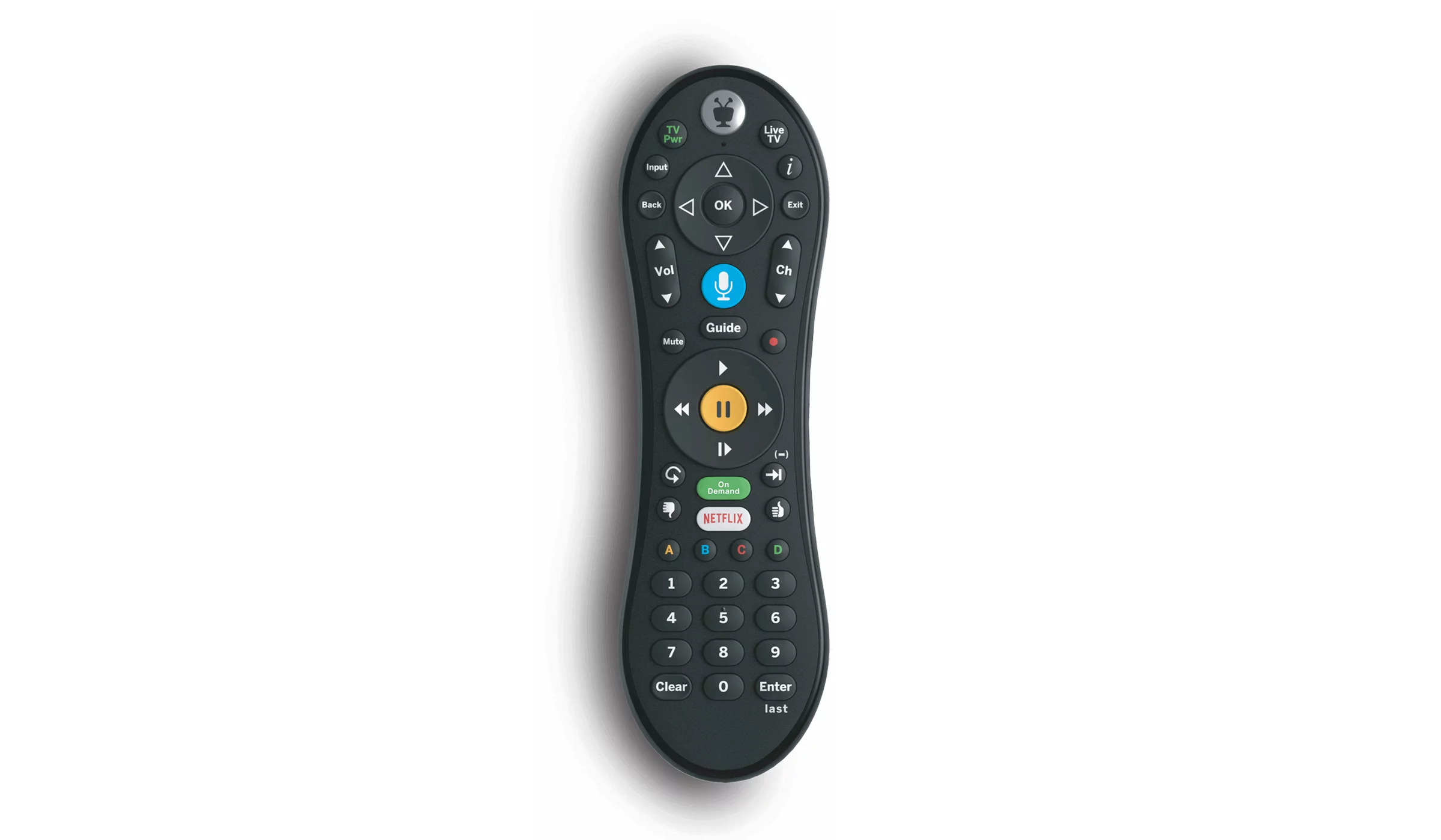
The TiVo® Voice Remote
You're in control. No more pecking. No more button mashing. Find your favorite shows, music, and apps as fast as you can say the words.
You're in control
No more pecking. No more button mashing. Find your favorite shows, music, and apps as fast as you can say the words.




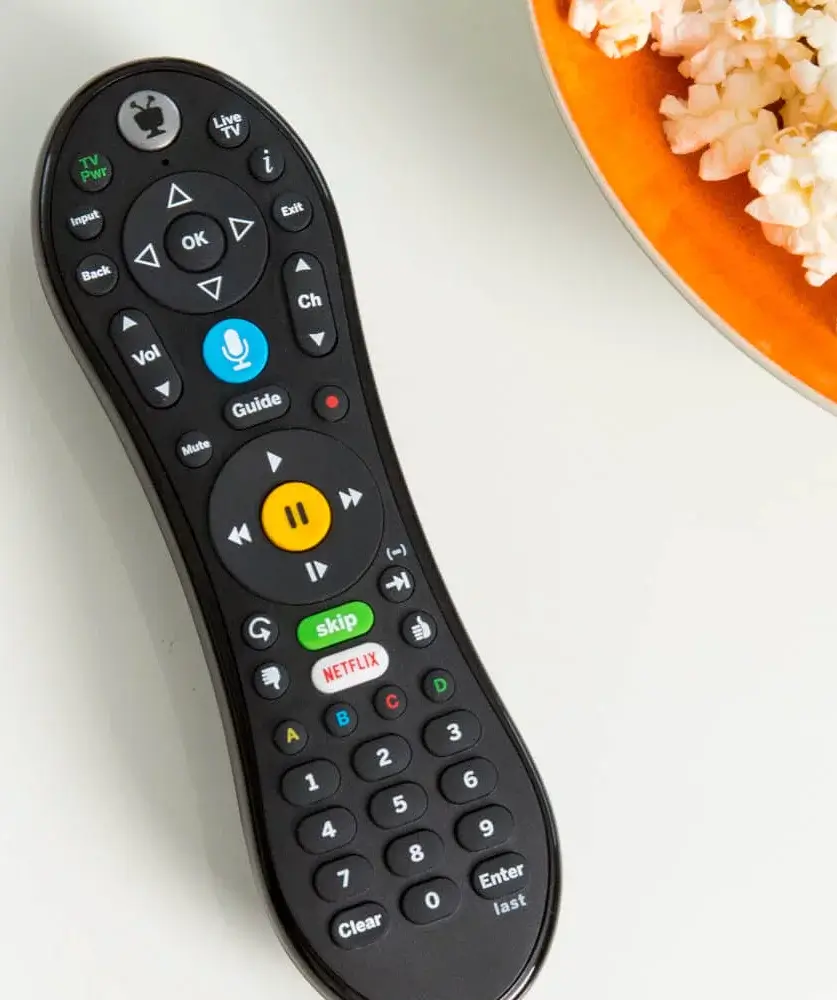
Easy Setup & Support
Check out the welcome center to help you get started and make the most of your TiVo® Experience.
Frequently asked questions
How does the TiVo Voice Remote work?
Simply press and hold the blue remote button on your TiVo remote, speak a command, and then release the button.
What does the voice command search through?
Search by title, actor, or keyword: “Find Modern Family” or “Show me some action movies.”
HINT: Add on to your initial command to get more specific. For example, after the command, “Show me some action movies,” you could add “From the 80s…just the ones with Bruce Willis.”
Fast forward or rewind a certain number of minutes: “Fast forward three minutes.”
Jump to a particular point in a show: “Jump to 10 minutes” will jump to 10 minutes from the beginning of the recording.
Watch a show: “Watch Modern Family.”
Launch an app: “Launch Netflix.”
Change channels: “Go to NBC.”
Can I launch my streaming apps from the TiVo remote?
Yes, but you must have a subscription and entered your credentials for the app you’re attempting to access. If the app you want is not already pre-loaded on your TiVo, you may be able to add it.
Select Apps > Get More Apps.
That takes you to Google Play, where you can select and install additional apps. Note that not all apps on Google Play are compatible with all TiVo set-top box models. Select an app and follow the on-screen instructions to install it.
How do I setup my TiVo voice remote?
To control your TiVo box with your voice, your voice remote must be paired correctly with your TiVo box. Pairing should happen automatically during Guided Setup If your remote is paired, the activity light will flash yellow with each button press. If it’s not completely paired, the activity light will flash red with each button press and voice control will not work until you pair the remote manually.
TiVo features require compatible TiVo device, internet service connection and TV subscription. Start over feature only available up to 3 days. The ability to “start over” or “catch up” may vary by network and is dictated by the content provider. Fast forwarding may be disabled on some shows and is controlled by the content provider. Consider setting a OnePass to record a series to allow for fast forwarding in the future. Cloud DVR is not available on all equipment types. Basic Cloud DVR tier (125 hours) is included with select TV equipment at no extra cost and recordings will be saved for up to 90 days or until space is needed. Most recent recordings will replace older recordings after the 125 hours limit is reached. Upgrade to the Enhanced Cloud DVR tier for an additional $9.99/mo. for 12 months for 250 hours of storage and recordings saved for up to 365 days or until space is needed. Most recent recordings will replace older recordings after the 250 hours limit is reached. Regular rate of $11.99/mo. applies for the Enhanced Cloud DVR tier after the promotional period. ©2026 Xperi. All rights reserved. TiVo and the TiVo logo are registered trademarks of TiVo Brands LLC. All other trademarks and content are the property of their respective owners. Other restrictions apply.
*Internet speeds vary, not guaranteed. Certain equipment may be required. See astound.com for details. Modem req’d. No contracts. Astound Internet is powered by fiber and connected to the premises via coaxial connection or fiber, where available. Delivery methods may vary by area. Subject to availability. Ltd-time offer; subj. to change without notice. Internet speeds under 1 Gig, pricing valid for 12 mos. Gig+ Internet speeds, pricing valid for 36 mos. Add’l fees apply for taxes, surcharges, & data overages, & are subj. to change. For details visit astound.com/fees. Enhanced WiFi or Whole Home WiFi included with Gig+; $5/mo for lower speeds or add’l devices. Regular rates apply after promo ends. Monthly price shown includes discount for enrolling in autopay & e-bill. $10 off/mo w/ bank acct autopay or $5 off/mo w/ credit/debit card autopay. Valid email & enrollment req’d. Must enroll w/in 30 days of order. Discount appears within 3 bill cycles, ends if autopay/e-bill is canceled, svcs change, or acct isn’t in good standing. ^Astound Mobile req’s Astound Internet service for activation. Max 5 lines. Equip., intl./roaming charges, taxes, fees extra & may change. Astound not liable for svc disruptions or outages. Higher rate applies if Internet not maintained. Mobile svc only in Astound areas. Pricing subj. to change. Data may slow during congestion. After 20GB, Unlimited plans slow to 768 Kbps; 1.5GB/3GB plans capped. No rollover; add’l data $10/GB. Coverage varies. Some features may require specific plans. Mobile svc includes BIAS w/ data, voice, texts & SMS. Other restrictions may apply. See astound.com/mobile for details. Offer valid for new res. customers or former customers in good standing w/out Astound svc in past 60 days. Add’l svcs, equip, premiums & tiers extra & subject to add’l charge & reg. increases. $14.99 one-time activation fee (plus install) applies & may change. Taxes & surcharges extra & subj. to change. WA RESIDENTS: unless otherwise specified, price does not include 2% Regulatory Administration Fee. Cust. responsible for any accrued charges. Subj. to credit check. Not all svcs/speeds avail. in all areas. 30-Day Money-Back Guarantee for new residential customers who cancel within 30 days of install. Maximum refund is equal to one month’s monthly recurring service fee of services & equip. ordered & installed. Refund within 60 days after conditions are satisfied. Refund not applicable to usage-based fees. All svcs are governed by Astound Customer Terms & Conditions found at astound.com/policies-disclaimers. © 2026 Radiate HoldCo, LLC d/b/a Astound Broadband. All rights reserved.
Must have Remote Finder capable DVR for feature to work.
Compatible TiVo equipment is required to receive the new TiVo experience and voice command feature. Customer may be required to upgrade all existing TiVo boxes in their home to receive advanced TiVo features and voice remote.