
















Astound Internet buyers’ guide
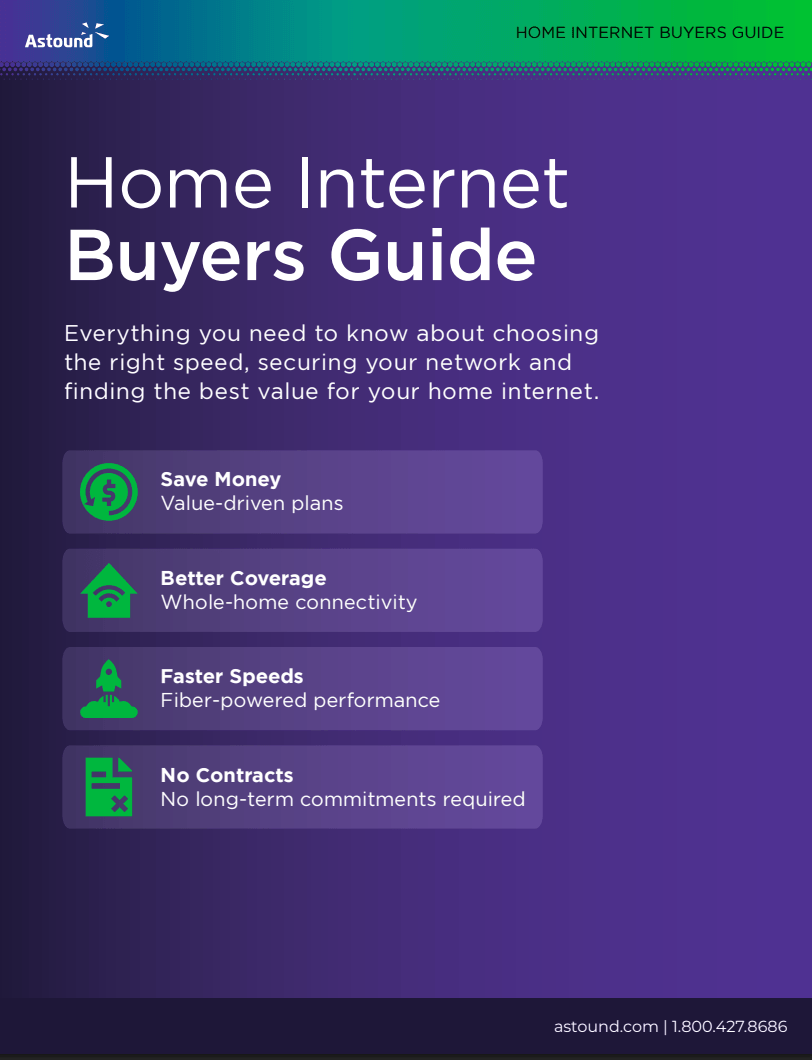
Master your home internet setup with our helpful buyers’ guide, covering everything from picking the right speed to securing your devices.
Guide highlights
- Speed Selection: Choose the right internet tier for your household size and device count.
- Whole-Home Coverage: Learn how eero mesh technology eliminates dead zones in every room.
- Network Security: Protect your family with integrated tools like ad blocking and parental controls.
- Cost Savings: Maximize value with affordable plans and bundled service discounts.
- Seamless Switching: Use our step-by-step checklist to move providers with minimal downtime.
- Unlimited Data: Stream and game as much as you want without data caps or overage fees.
Save time shopping.
Everything you need to know about choosing the right speed, securing your network and finding the best value for your home internet.
Frequently Asked Questions
How do I know which internet speed is right for my home?
Recommended speeds are based on your household size and how you use the internet. For example, 300 Mbps is suitable for up to 2 light users, while “Power Users” with 15 or more devices engaged in high-resolution streaming and large downloads may require speeds between 1.5 Gig and 5 Gig.
What is Whole Home WiFi and how does it work?
Unlike traditional routers that broadcast from a single point, Astound partners with eero to use a mesh system with multiple nodes. This intelligently routes data to eliminate dead zones and ensures your devices automatically connect to the strongest signal as you move through your home.
What security features are included with the internet service?
Integrated security solutions like eero Secure are included for free, providing advanced ad blocking, parental controls and protection against malicious sites and phishing. For further protection, a premium eero Plus upgrade is available, which includes a VPN, a password manager and malware protection.
Are there any long-term contracts or data caps?
No, there are no long-term contracts required, giving you the flexibility to change your plan at any time without early termination fees. In addition, plans include unlimited data, so you can stream and game without worrying about overage fees or data caps.
What steps should I take to ensure a smooth transition when switching?
The guide recommends a four-phase checklist: preparation (checking availability and current contracts), technical setup (identifying router placement), installation day (setting your SSID and password) and post-installation optimization (running speed tests and returning old equipment). You should only cancel your previous service after your new connection is confirmed to be stable.
See other guides & checklists

Internet buyers' guide

Everything you need to know about choosing the right speed, securing your network and finding the best value for your home internet.
eero Mobile app setup guide

Control your home network with our eero app guide, which helps you check speeds and manage your family’s connected devices.
Moving/transferring internet checklist
Interested in moving your Astound services? This checklist will make sure you set everything up properly when moving or transferring Astound services.
Whole Home WiFi quick start guide

Download our helpful guide to get your eero Whole Home WiFi set up and running in minutes.
Create the perfect bundle
Get the speed, WiFi, mobile and TV that’s just right for you.